
Managing international payments, compliance, and accounting through a single business payments platform creates gaps in coverage and reliability. Many platforms require deep compliance onboarding or depend entirely on third party custody, leading to delays and operational risks for cross border businesses. This comparison covers fees, payment flows, onboarding, and support so you can choose a platform that fits your team's global payment requirements.
Table of contents
Sigma platinum
At a glance
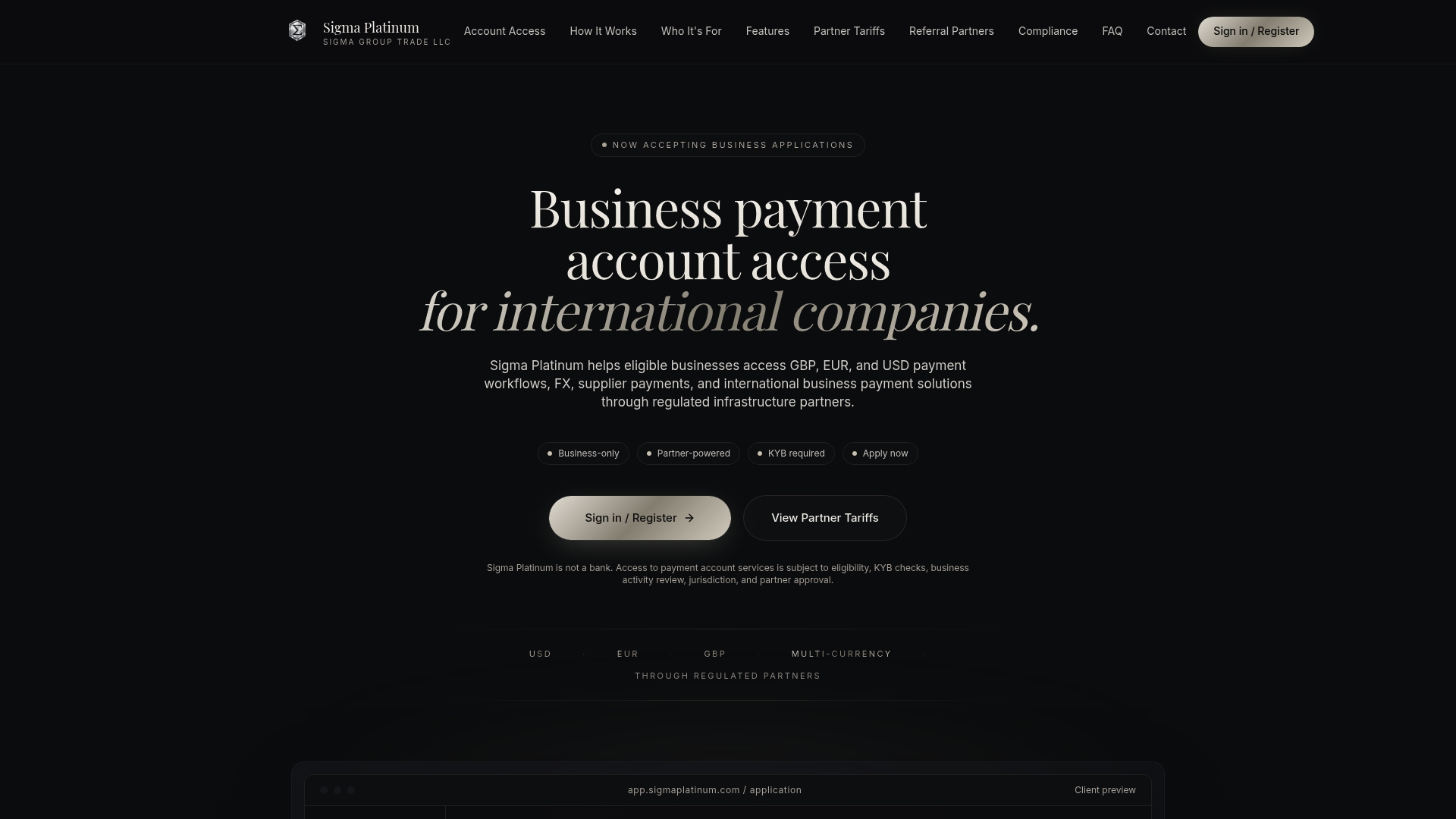
Operates through regulated infrastructure partners rather than holding client funds directly. The service supports business payment accounts and FX workflows for GBP, EUR, and USD. Onboarding focuses on KYB checks and business activity review, so approvals depend on eligibility and partner evaluation.
Core features
-
Multi currency payment workflows in GBP, EUR, and USD. These cover inbound and outbound business payments within the partner portal.
-
FX and currency exchange workflows for converting receipts and settling supplier invoices. Currency operations route through regulated partners.
-
Supplier and international payments handled via partner rails. The platform does not act as a direct custodian of client funds.
-
Corporate card capabilities where supported by the partner. Card availability varies by jurisdiction and partner approval.
-
Statements and payment operations accessible through the partner portal. Reporting aligns with partner account statements rather than Sigma Platinum holding accounts.
Key differentiator
Delivers a partner powered, compliance first service that accepts only legitimate international business activities. The onboarding process includes KYB checks and partner evaluations before accounts go live. Sigma Platinum avoids personal accounts and direct client fund handling, which narrows its focus to corporate use cases. That model shifts regulatory responsibility to regulated partners while keeping the branded client experience.
Pros
-
Partner regulated rails reduce the need for Sigma Platinum to act as a custodian. That means you work with licensed infrastructure for payments and FX.
-
Business only acceptance removes mixed account complexity. Your company will not compete with personal accounts on the same platform.
-
Compliance first onboarding gives predictability around permitted activities. Expect KYB and business activity reviews before approval decisions.
-
Branded client experience with ongoing support lets you present corporate payment flows under a premium interface. Support levels and features depend on the partner handling your jurisdiction.
-
Multi currency support covers the major corridors most international B2B teams need. GBP, EUR, and USD operations are built into the core workflows.
Cons
- Approval is not guaranteed and depends on eligibility, jurisdiction, and partner review. That restriction can delay access for companies that sit at partner risk thresholds.
Who it's for
You should evaluate Sigma Platinum if your company needs regulated multi currency payment workflows and you accept partner based custody and operations. The platform fits consulting firms, digital and marketing agencies, SaaS vendors, and B2B service providers with cross border billing and supplier payments. It is not intended for consumer payments or high risk industries.
Unique value proposition
Branded business payment accounts and supplier payments flow through regulated partners with KYB checks up front. That structure reduces your need to manage multiple bank relationships directly. For companies that accept partner based account models, Sigma Platinum delivers access to FX, multi currency payouts, and card options without offering personal accounts or handling client funds directly.
Real world use case
A SaaS company expanding into European markets opens a partner account through Sigma Platinum to invoice clients in euros and receive payments in USD. The team converts FX through the partner workflows and pays suppliers in GBP and EUR from the same portal. Corporate card options help the finance team manage vendor spend where the partner supports cards.
Pricing
Pricing is informational only and varies by partner, jurisdiction, and selected features. Fees, limits, and card availability depend on partner approval and local regulations. Contact Sigma Platinum or its regulated partners for a jurisdiction specific quote.
Website: https://sigmaplatinum.com
ExePay
At a glance
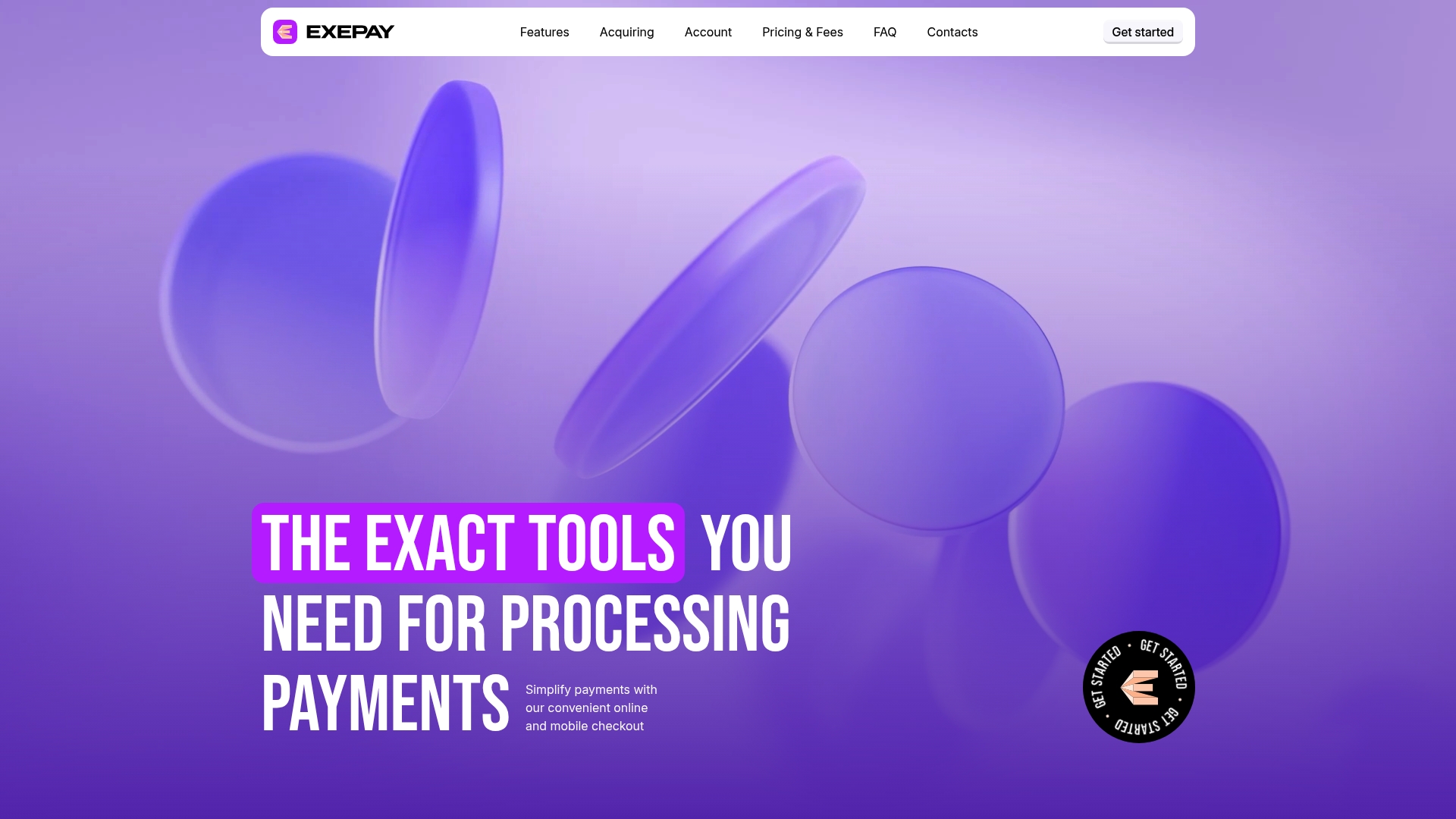
Mass payouts include automatic currency conversion with transparent exchange rates. That feature makes handling payroll, vendor payments, or marketplace seller payouts simpler for UK businesses. The product also pairs multi currency accounts with web and mobile access for day to day management. Quick online application aims to shorten onboarding time.
Core features
ExePay offers multi-currency accounts for receiving and holding funds in different currencies. The platform supports transfers and payments, plus acquiring services for card acceptance. It handles mass payouts and automatic conversions while showing transparent exchange rates. A secure API and SDK library supports web and mobile integration. The back office includes analytics and reporting, and client funds are held segregated with banking partners.
Key differentiator
Rapid API setup with customizable checkout is the clearest selling point. That makes ExePay useful when you need to get a payment flow live fast and tune the checkout for location and currency. The approach suits UK merchants focused on payments rather than deep KYB workflows. Compared with Sigmaplatinum, ExePay targets faster technical integration over extended compliance orchestration.
Pros
- Comprehensive international payment support. Multiple currencies and global payment methods reduce the need for multiple banking relationships.
- Fast onboarding and developer friendly APIs. Teams can integrate the SDK and test checkout flows quickly.
- Mobile and web account management. You can check balances and run transfers without desktop only access.
- Segregated client funds with banking partners. That separation reduces operational commingling risk.
- Transparent fee structure and visible exchange rates. Pricing clarity helps finance teams forecast costs.
Cons
- Limited independent user reviews. That scarcity makes it harder to confirm long term reliability. The product data notes this gap.
- Heavy reliance on banking partners for fund custody and account functions. Partner issues could affect operations outside ExePay control.
- Potentially higher fees for small value international payments than specialized forex providers. That can raise unit costs for microtransactions.
- Unclear rules for non UK residents or non British businesses. Global rollout details are not explicit in the product data.
When it may not fit
If your business needs deep KYB and custom compliance workflows, ExePay may fall short. Large enterprises that require bespoke treasury controls should look elsewhere. If your volume consists mostly of very small value cross border transfers, specialized foreign exchange platforms may offer lower per transaction costs.
Notable integrations
- API and SDK library for web and mobile. The integration options focus on embedding checkout and automating transfers through programmatic calls.
Who it's for
ExePay serves UK based online merchants, marketplaces, and finance teams that need multi currency accounts and fast payment rails. It fits teams with engineering resources that can use APIs and SDKs. It is less suitable for businesses that require extended compliance onboarding or global banking footprints.
Real world use case
A UK eCommerce store accepts payments in euros and US dollars and holds those balances in separate currency accounts. The store uses the SDK to show localized checkout and then issues mass payouts to suppliers in their local currencies. Reporting reveals which currencies produce the most revenue and informs marketing spend.
Pricing
Pricing follows a tiered model by transaction type, currency, and client location. The vendor directs users to the Fees Tariff on the website for detailed rates. Expect per transaction and conversion fees rather than a single flat monthly fee.
Website: https://exepay.co.uk
Corpay cross-border
At a glance
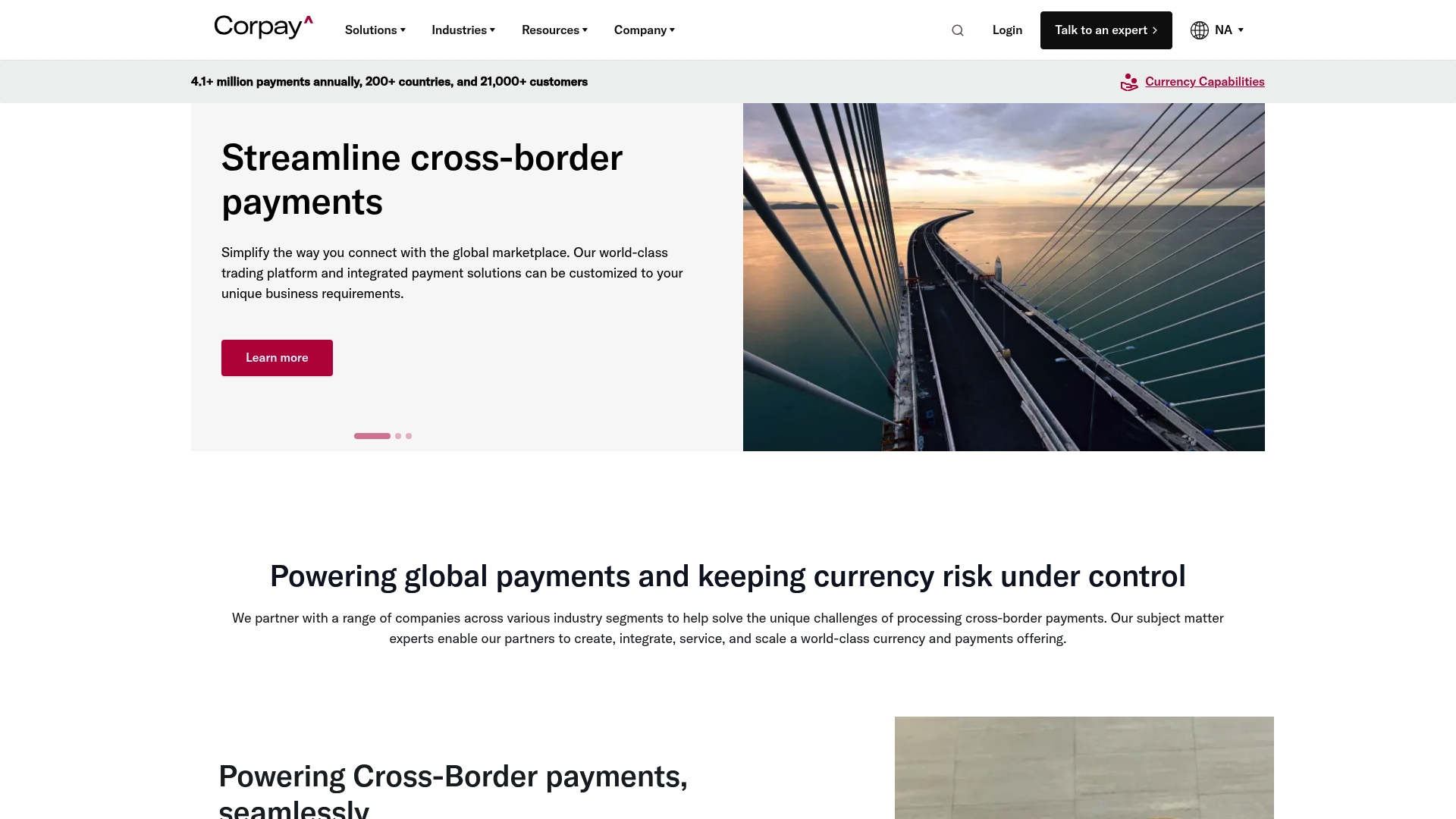
Corpay supports payments in 145+ currencies across 200+ countries, making global payout and collection practical for large supplier networks. Corpay reports being trusted by over 21,000 clients, and the vendor emphasizes dedicated account support and FX tools. The platform pairs payment execution with hedging to reduce currency exposure for corporate treasuries.
Core features
Corpay combines payment execution, multi currency accounts, and FX risk tools into one workflow. That mix reduces the number of vendors treasury teams must manage.
- Global payments in 145 plus currencies and 200 plus countries.
- Currency risk management with spot, forward, and limit FX execution.
- Secure multi currency accounts for receiving and paying foreign currencies.
- Automated invoice payments from documents, spreadsheets, or AP systems.
Key differentiator
The product integrates payment processing and FX risk management within a single platform. That setup lets you hedge around actual payment flows rather than using separate systems. Corpay pairs these capabilities with staffed account management and compliance support.
Pros
- Intuitive interface and automation. The platform is praised for straightforward bulk payment handling and simpler reconciliation.
- Knowledgeable account support. Many teams get dedicated contacts for onboarding and complex flows.
- Cost advantages on FX. Corpay leverages volume relationships to offer competitive rates for larger transactions.
- Full FX execution spectrum. You can place spot, forward, and limit orders in the same environment.
- Multi currency account capability. Receiving and holding funds in local currencies reduces conversion steps.
Cons
- Opaque onboarding steps for some clients. Several users report unclear enrollment procedures early in the relationship.
- Support can vary by account. Responsiveness and service quality can be inconsistent for certain customers.
- Occasional delays during peak volumes. High traffic periods may produce slower transaction finalization.
- Policy enforcement complexity. Compliance rules can be confusing without a dedicated manager.
When it may not fit
Corpay may not fit small or infrequent users who cannot justify integration effort. The product requires internet access and ERP connections, which can add setup complexity. Support variability makes it a weaker choice if you need uniformly rapid answers for low volume accounts.
Notable integrations
- Oracle NetSuite
- Sage Intacct
- Microsoft Dynamics
- Deltek
- CMiC
- Reynolds & Reynolds
- Tekion
- e-Emphasys Systems
Who it's for
Mid sized to large enterprises with frequent international payments will get the most value. Treasury teams running FX hedges and accounts payable groups handling bulk supplier payments benefit. Organizations that need ERP connectivity and dedicated account management should prioritize Corpay.
Real world use case
A multinational manufacturer uses Corpay to pay suppliers worldwide while managing FX exposure. The company executes forwards and spots against incoming invoices to stabilize margins. That approach improved reconciliation speed and reduced transaction costs across regions.
Pricing
Fees are not publicly disclosed. Corpay states fees vary by transaction type, payment method, and volume, and its model typically relies on spreads rather than monthly or setup charges. Expect pricing to be negotiated based on volume and service needs.
Website: https://corpay.com/cross-border
Bill.com
At a glance
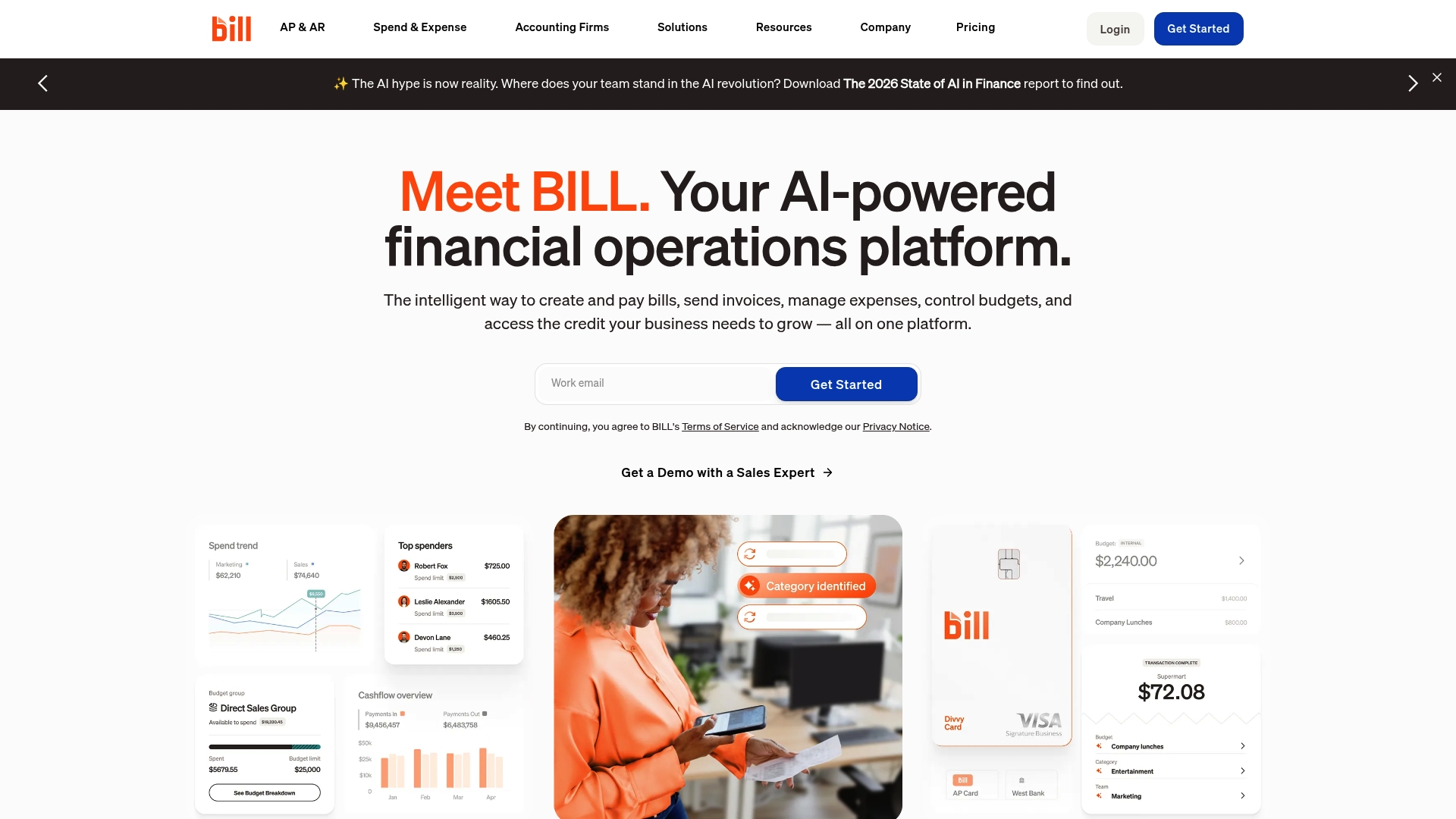
According to the vendor, Bill.com serves over 500,000 businesses. That figure above signals wide adoption among accountants and finance teams. Bill.com bundles AI powered workflows, payments, expense tracking, and credit access into one financial operations product. The result suits teams that need tight accounting sync and faster AP processing.
Core features
- Automated bill payments and expense management with approval workflows and auto routing based on company policies.
- Multiple payment options including ACH, check, virtual and physical cards, and international transfers for cross border payables.
- Two way sync with major accounting systems and ERP platforms including QuickBooks, NetSuite, and Xero plus manual CSV import and API support.
- Built in access to business credit lines from about $1,000 to $5 million to support working capital needs.
Key differentiator
Bill.com centers its value on AI powered automation combined with deep accounting and ERP integration. That focus makes it strong for finance teams that run AP and AR inside existing accounting systems. Sigmaplatinum, by comparison, specializes in regulated international business payment accounts and KYB first onboarding. Bill.com fits inside accounting operations rather than replacing regulated payment rails.
Pros
-
Strong accounting sync. Tight integration with QuickBooks and Xero cuts duplicate data entry and reduces reconciliation time.
-
Automation for approvals and payments. Finance teams can route invoices automatically to match internal policy and reduce manual touch points.
-
Multiple payment rails and card options. Teams gain flexibility for domestic and international supplier payments.
-
Support for credit lines. The platform advertises business credit from $1,000 to $5 million to help with short term cash needs.
-
Partner programs for accounting firms. Firms can manage multiple clients and resell services through dedicated partner offerings.
Cons
-
Customer support responsiveness has been flagged by users. Reports describe slow replies for time sensitive issues.
-
Technical stability concerns such as login errors and site outages affect day to day reliability for some customers.
-
Payment processing delays and limited escalation paths can leave urgent vendor payments unresolved.
-
Custom integration work can take longer for complex systems, according to user feedback.
When it may not fit
If you need a regulated multi currency business account managed through KYB processes for global collections, Bill.com is not the right match. Large enterprises that require dedicated payment rails and banking relationships via partners should look to platforms focused on payment accounts. Teams that require round the clock SLA backed support may find the vendor support model insufficient.
Notable integrations
- QuickBooks Online
- QuickBooks Pro and Premier
- QuickBooks Enterprise
- Xero
- Oracle NetSuite
- Sage Intacct
- Microsoft Dynamics
- Acumatica
Who it's for
Bill.com fits finance teams in small and mid sized businesses, accounting firms managing client books, and larger organizations that need AP automation tied to their ERP. The product works best where accounting software is the system of record and tight sync matters more than bespoke banking relationships.
Real world use case
A mid sized manufacturing company used Bill.com to automate invoice approvals and speed payments. The company synced invoice data with SAP ERP, cut manual entry, and improved real time expense visibility. That rollout reduced errors and freed finance staff for higher value tasks.
Pricing
Plans vary by feature set. There is a free tier for Spend and Expense. Paid plans start at about $49/month for basic AP and AR services. Enterprise pricing and custom integrations require quotes from the vendor.
Website: https://bill.com
Comparative analysis
Selecting the best business payment platform for your company's needs involves understanding the unique features and tradeoffs of various options. Each platform offers distinct functionalities relevant to different organizational objectives. Here is how they compare:
What makes each platform stand out
-
Sigma Platinum offers a partnership-based compliance approach, allowing companies to conduct transactions via fully regulated partners without requiring direct fund custody.
-
ExePay specializes in rapid setup for online merchants and developers, featuring fast API integration and customized automated checkout workflows.
-
Corpay Cross-Border provides extensive FX tools and global payment solutions, designed to help treasury teams manage currency exposure effectively.
-
Bill.com focuses on AI-driven AP automation, tightly integrated with prominent accounting systems to streamline approval and payment processes.
Who should consider each option
-
Sigma Platinum: For organizations requiring compliant multi-currency payment workflows regulated by trusted external partners, ensuring proper legal diligence.
-
ExePay: Developer-heavy teams needing fast implementation of checkout and payment solutions for a online customer experience.
-
Corpay Cross-Border: Companies with complex foreign currency payment needs, requiring FX hedging and extensive global coverage.
-
Bill.com: Businesses prioritizing AP automation with close integration to core accounting systems for optimizing financial transparency.
Our pick
For businesses seeking regulated, compliance-friendly multi-currency payment workflows, Sigma Platinum stands out due to its secure partner-powered operational model. This makes it a strong contender for those aligning with external financial compliance mandates for international transactions. However, depending on specific needs such as immediate integration (ExePay) or advanced FX management (Corpay), an alternative may better suit different scenarios.
For potential users seeking a business payments platform tailored to corporate needs, the following comparison outlines notable options:
| Platform | Key Features | Target Audience | Pricing | Notable Limitation |
|---|---|---|---|---|
| Sigmaplatinum | Multi-currency payments, FX workflows, and regulated partner infrastructure | B2B services needing compliant operations | Not disclosed | Partner approval required for account setup |
| ExePay | Multi-currency accounts, API integrations, and mass payouts | UK-based merchants with API capabilities | Transaction-based tiers | Limited reviews on long-term reliability |
| Corpay Cross-Border | Support for 145 currencies, FX risk management, and global payment execution | Medium to large enterprises | Not disclosed | Onboarding can be unclear for some clients |
| Bill.com | AP and payment automation integrated with accounting software | Small and midsize finance teams | $49/month starting | Reports of variable customer support response times |
Consider Sigmaplatinum as a strong ContactPay.com alternative for your business
If you feel overwhelmed by the complexities of finding reliable contactpay.com alternatives, Sigmaplatinum offers a focused solution tailored specifically for legitimate international businesses. With its compliance-first onboarding process featuring strict KYB checks and multi-currency payment workflows in GBP, EUR, and USD, Sigmaplatinum helps companies avoid unnecessary delays and enhances security by working only with regulated partners.
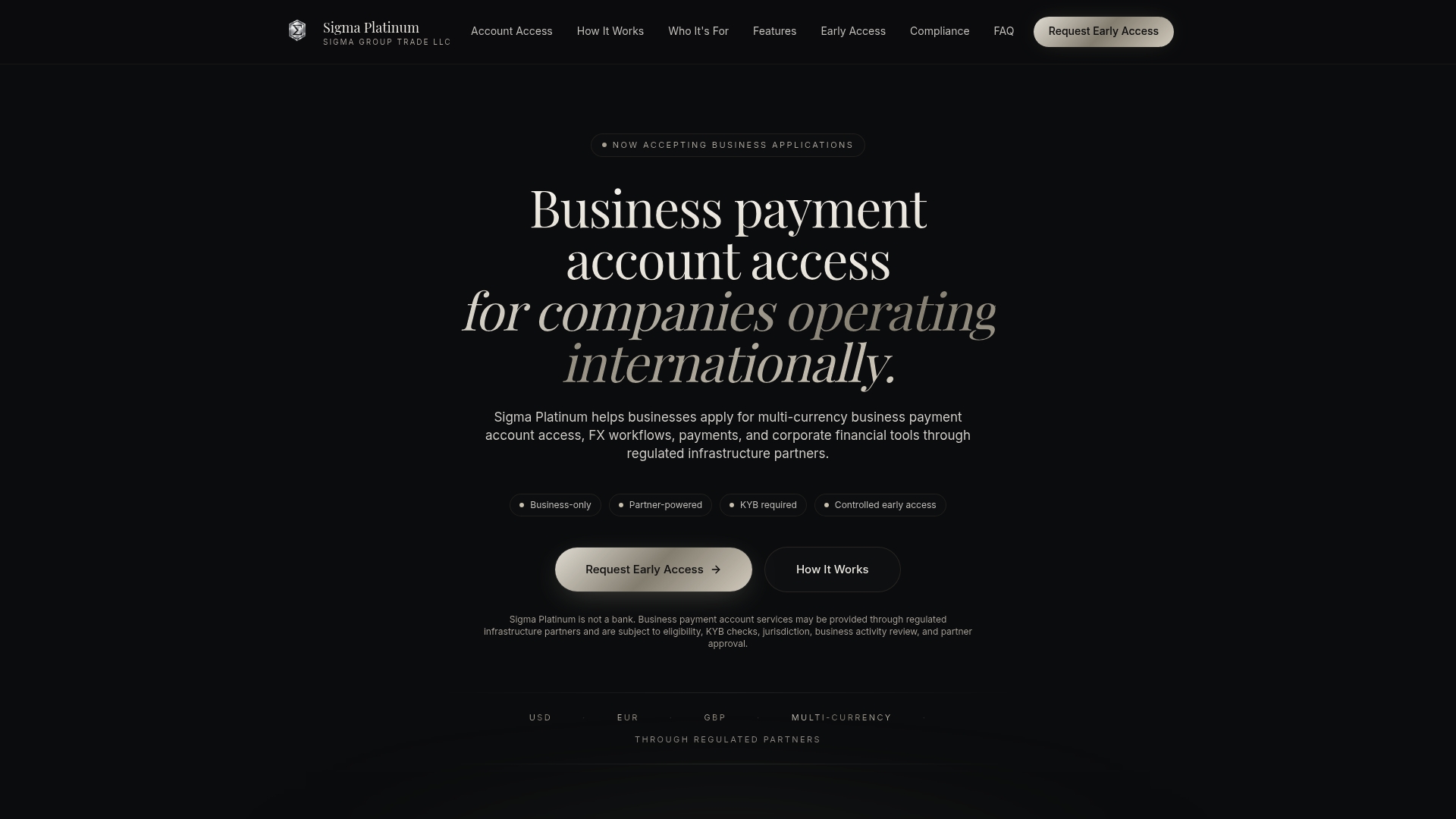
Explore how Sigmaplatinum simplifies cross-border financial operations with no-code setup and corporate payment accounts designed for consulting firms, digital agencies, and B2B service providers. Visit Sigmaplatinum to request access and manage international payments efficiently today.
FAQ
What makes Sigmaplatinum suitable for multi-currency business payments?
Sigmaplatinum excels in handling multi-currency business payments, specifically supporting GBP, EUR, and USD transactions. Its core features include inbound and outbound payment workflows through regulated partners, enabling seamless international transactions. Companies seeking a compliant and efficient payment solution should consider Sigmaplatinum for their business needs.
How does ExePay's rapid onboarding compare to sigmaplatinum's compliance process?
ExePay offers fast onboarding and developer-friendly APIs, making it ideal for businesses that prioritize quick integration. In contrast, Sigmaplatinum emphasizes a compliance-first onboarding process that includes extensive KYB checks and partner evaluations. Businesses looking for swift setup without heavy compliance burdens may find ExePay more appealing.
Which platform provides better FX risk management capabilities, corpay or Sigmaplatinum?
Corpay integrates payment processing and FX risk management in a single platform, offering robust tools for managing currency exposure. On the other hand, Sigmaplatinum focuses on regulated payment workflows without direct FX management features. Businesses looking for comprehensive FX capabilities should explore Corpay while those emphasizing compliance may prefer Sigmaplatinum.
Are bill.com’s payment options more flexible than those of Sigmaplatinum?
Bill.com provides multiple payment options, including ACH, check, and international transfers, offering more flexibility for various payment methods. In comparison, Sigmaplatinum specializes primarily in multi-currency payment workflows and does not encompass as broad an array of payment types. Businesses needing diverse payment methods for vendors may favor Bill.com over Sigmaplatinum.
What level of customer support can businesses expect from Sigmaplatinum?
Sigmaplatinum provides ongoing support through the partner portal, aligning support levels with the partner’s offerings. While this can offer tailored assistance, businesses should be prepared for variability depending on partner capabilities. Companies valuing consistent, dedicated support may want to assess this aspect when considering Sigmaplatinum.